The whole trip.
Yours to open again.
Collect 1–24 travel photos in a digital photo book. Add your words, arrange the days and see your city stops on a map. Download a keepsake that opens outside the app.
Invite-only early access · invitation code required
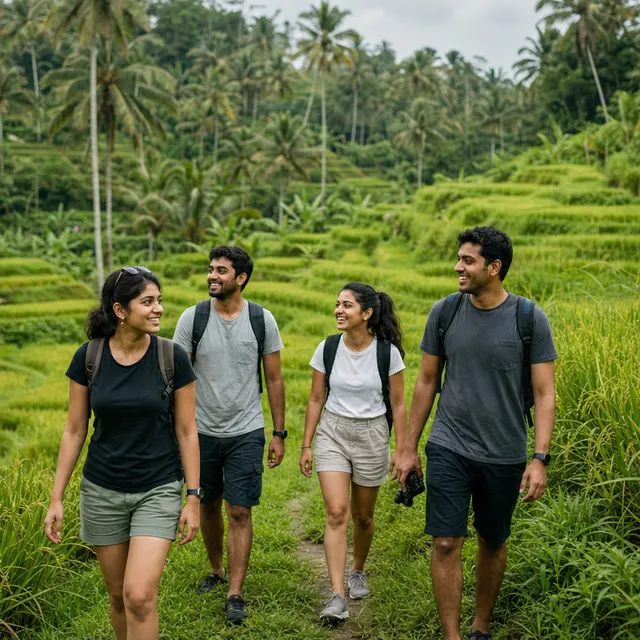

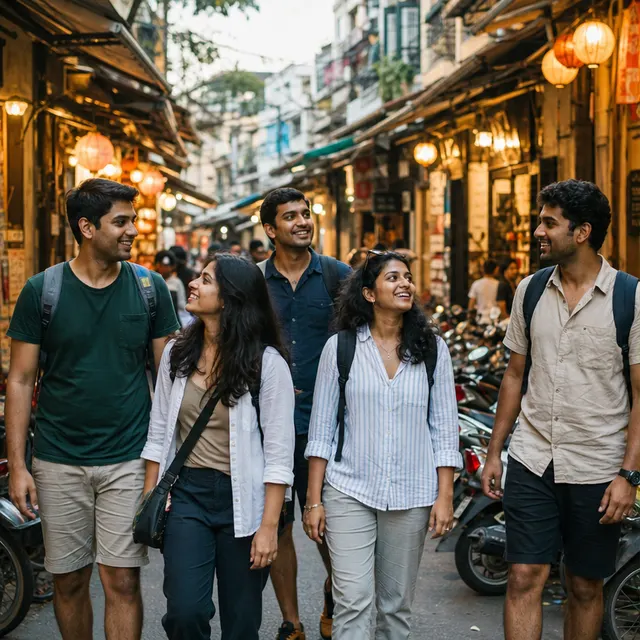
A trip worth keeping
How to make a travel photo book
- 1
Choose the moments
Select 1–24 photos from your library. Start with the moments you want to remember, from the first street you walked to the last table you shared.
- 2
Give the trip its shape
Add a title and captions. Available photo metadata suggests dates and cities; correct any detail and arrange the photos in date order or your own order. Add city stops without a photo, too.
- 3
Keep a book of your own
Preview the turning pages, then keep the book in your device collection. Download a PDF to keep or print, or an HTML keepsake that opens offline with the photos included.
Before you make yours.
Does the photo book automatically create a travel map?
Usable photo GPS metadata can suggest city stops. You can correct or add cities and change their order. The journey map shows cities, not a precise GPS trail. Photos without location data need a city added manually.
What if my photos have no date or location?
You can add or change the date and city yourself. Photos saved from social apps may no longer contain the original metadata. You can still create a book and put the moments in your own order.
Can I download or print my travel photo book?
Yes. Export a PDF or a self-contained HTML keepsake. For text the direct PDF cannot display, open the HTML keepsake and use your browser’s Print to PDF. Backpack Troops does not provide a physical book printing or delivery service.
Are my photo books backed up to my account?
No. Choose Keep to save the book in your current device or browser library. Signing in does not sync or back up your photos. Download a keepsake before clearing browser data or uninstalling the app. Manual creation and export need no account or AI credits.
Just one photo today?
Put your picture on the front, a personal message on the back, and send a little piece of here.
Explore digital postcards