
Let the journey find its order
Use 1–24 photos. Available image metadata suggests dates and cities, then builds a city map and timeline. Correct any detail, rearrange moments or add a city without a photo.
Choose a photo. Add your words on the back. Share an animated postcard, or collect the whole trip in a photo book.
No account needed · photos stay on this device
Your photos, words and city stops.
A keepsake to open again.
A trip worth keeping
The photos tell you where you went. Your words remember what it felt like. Bring them together in a story worth opening again.
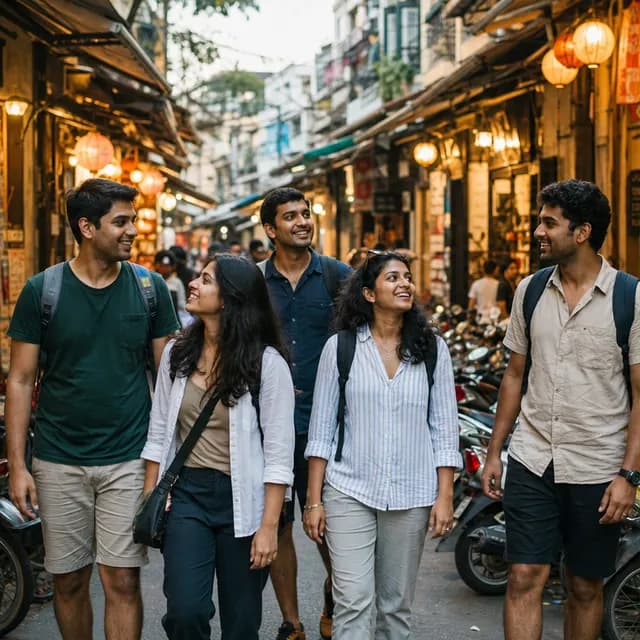
An afternoon with nowhere to hurry.

The table we kept coming back to.
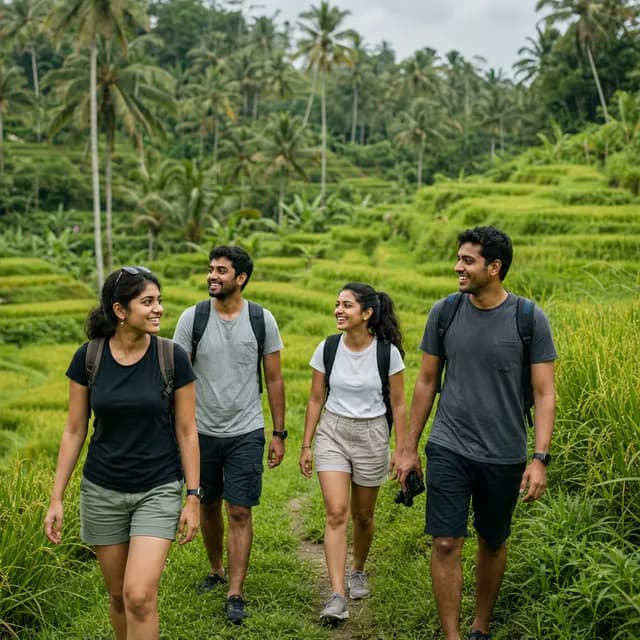
We stopped counting the hours.
Use 1–24 photos. Available image metadata suggests dates and cities, then builds a city map and timeline. Correct any detail, rearrange moments or add a city without a photo.
Add the detail only you would remember. Or give the optional AI writing helper a few words and choose a tone. Every suggestion is yours to edit or leave behind.
Choose warm paper or an after-dark book theme. Preview the turning pages, find the right sequence and save the finished story to your collection.
Make a little hello from today, or a whole book from the trip. Your memories deserve more than a camera-roll scroll.
Take a photo inside the app or choose one from your library. Portrait or wide. Your picture on the front, a personal message on the back.
Collect the moments across cities and days. Photos, captions and a journey map become a keepsake you can return to after you’re home.
Choose Photo book and pick 1–24 photos. Add your title and captions, check the dates and cities, and arrange the moments in date order or your own order. Preview the book, save it to your collection and download a keepsake.
Yes. Choose Postcard, take a photo in the app or pick one from your library, and add a message on the back. Choose a portrait or wide card and optional To and From details. Preview both sides before saving and sharing. Camera access depends on your device and permission.
When an image contains usable date or GPS metadata, Backpack Troops uses it to suggest dates and cities. You can correct missing or inaccurate details, change the order, and add cities you visited without a photo. The story map shows city stops, not a precise GPS trail.
Yes, if you want it to. Write a few words first, then choose a travel-writing tone and request a draft. Edit it, use it or keep your own words. The writing service receives the note and selected city you send; your photo is not sent for caption generation.
For postcards, choose Video, GIF or Two-sided photos, then prepare and share or save the files. Video export depends on device support; GIF and photos are alternatives. PDF and offline HTML remain under More formats. Photo books export to PDF or offline HTML. For text the direct PDF cannot display, download the HTML keepsake and use your browser’s Print to PDF.
Only if you choose AI caption help. Photos, your own words, layouts, city maps and exports do not require AI or credits. AI captions require sign-in and show the credit cost before starting. New accounts receive 5 free credits.
You can start without an account. Photo memories are saved in the current browser and guest or account library on this device; they do not sync between devices. Download a keepsake before clearing browser data. Optional city lookup uses rounded photo coordinates to suggest a city.
You can save your own Highlight photos to your device and choose them from the library. Direct Instagram Highlight links, ZIP archives and videos are not imported. If saved images have lost their original date or location, add those details yourself.
One photo. A few words. Something worth keeping.
Make a postcardMake a photo book instead